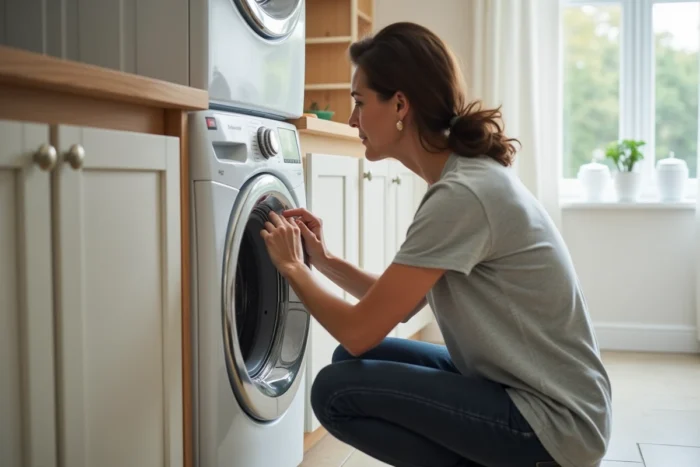
A Whirlpool dryer that stops mid-cycle, displays an error code, or refuses to heat naturally leads one to look for a reset button. The process seems simple, but it often masks an underlying problem that a reset alone does not fix. Understanding what triggers the device’s safety mode helps avoid blindly repeating the action, or even worsening the situation.
Overheating and ventilation: the cause that the reset does not fix
The majority of reset requests for Whirlpool dryers are related to the activation of thermal protection. The device detects an abnormal temperature and cuts off heating or stops the cycle to protect itself. A reset resets the counters to zero, but if the cause of the overheating persists, the same stop will occur in the next cycle.
Specialized repair technicians emphasize that problems with dryers going into safety mode are often exacerbated by a installation in a poorly ventilated or overheated space. A device trapped in a closet, pressed against the back wall, or installed in a laundry room without air circulation triggers thermal protections more frequently, especially during heat waves.
Before attempting a reset, it is essential to check these elements related to air circulation. Those who follow the procedure to reset a Whirlpool dryer without addressing ventilation generally find that the failure returns in the following days.
- The air exhaust duct should have no crushed bends or lint buildup along its entire length, including at the wall exit.
- A free space of at least a few centimeters should separate the back of the appliance from the wall to allow heat dissipation.
- Completely clogged lint filters cause stops or incomplete cycles that users try to resolve with a reset, while a simple cleaning is sufficient.
- Dirty moisture sensors skew the drying rate reading and can trigger a premature cycle stop.
Resetting the Whirlpool dryer: the concrete action
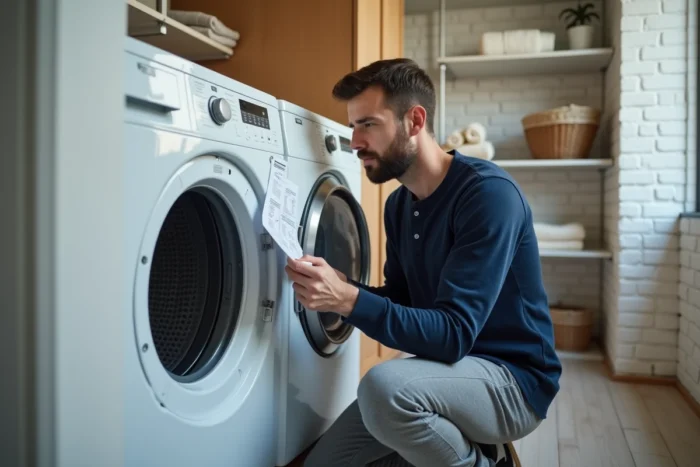
Once the ventilation has been checked and the filters cleaned, the actual reset can make sense. The most common method on Whirlpool models is to unplug the device from the power outlet, wait several minutes, and then plug it back in. This delay allows the electronic board to clear its temporary memory and erase stored error codes.
On some models, the reset only works if the original fault has been corrected. The electronic board runs a self-diagnostic upon restart. If it still detects the same anomaly (faulty sensor, out-of-range thermostat, blocked pump), the error code will reappear immediately.
The thermal reset button
Several Whirlpool dryers have a thermal reset button accessible at the back of the appliance, often near the ventilation duct. This physical button cuts the heating circuit when the temperature exceeds the safety threshold. Technicians show that a dryer “that no longer heats” is often brought back into service simply by pressing this reset, after cleaning and checking the ventilation.
To access it, you need to unplug the appliance, remove the back panel, and locate a small round button, usually red or black, on the heating unit. A firm press is sufficient to reset it. If this button trips repeatedly, the heating element or thermostat is likely faulty.
Resetting the electronic board
On models with an electronic programmer, the control board may retain an error code even after a quick disconnection. The recommended procedure by specialized forums is to:
- Unplug the appliance from the power supply.
- Wait a minimum of five to ten minutes (some models require more time to discharge the capacitors on the board).
- Plug it back in and start a short program to check that the error has disappeared.
If the code returns despite this operation, the electronic board is not the cause of the failure. The fault lies elsewhere: sensor, motor, drain pump, or heating element.
Whirlpool error codes: read the indicators before resetting
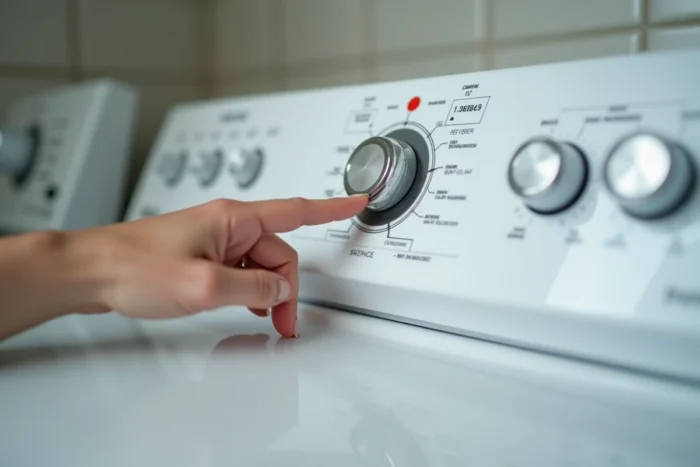
Resetting without noting the displayed error code amounts to erasing a diagnostic clue. On Whirlpool dryers, codes are indicated by a combination of flashing lights or by an alphanumeric display depending on the models.
A useful reflex is to take a photo of the control panel when the fault appears. This information allows a technician to diagnose without having to recreate the fault. Field reports vary on this point: some users report that the same code disappears after a reset and never returns, while others observe a recurrence indicating a component nearing the end of its life.
A code related to the drain pump (on condensation models) often signals a full water tank or a blocked pump duct. Emptying the reservoir and cleaning the drain circuit resolves the issue without touching the electronics.
When the reset is not enough: identifying the limits of self-repair
The reset resolves temporary software blockages and one-off safety activations. It does not replace a faulty part. If, after a thorough cleaning of the filters, a ventilation check, and a properly executed reset, the appliance fails again, the problem is hardware-related.
The most commonly implicated components are the heating element, safety thermostat, temperature sensor, and drum motor. A reset that “takes” every time but needs to be redone regularly indicates a component that operates intermittently, typically a thermostat that trips at an abnormally low threshold.
The fact that Whirlpool is a widely distributed brand facilitates access to spare parts and technical documentation. Posting the exact model reference (visible on the label inside the door) on a specialized forum usually allows for a targeted diagnosis within a few hours, often more reliable than a series of reset attempts.